


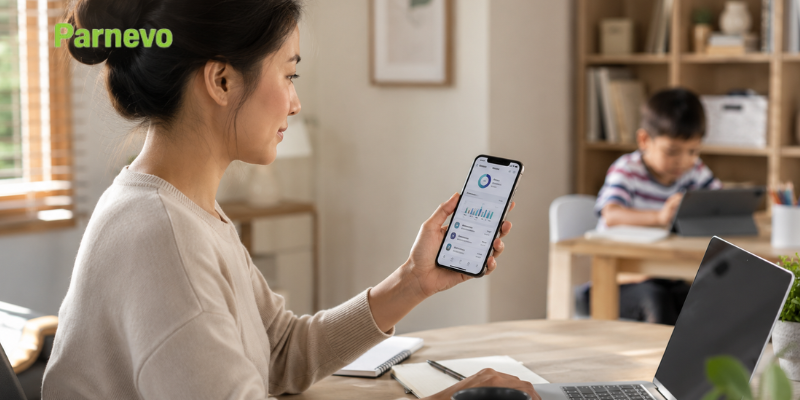
Busy parents cannot watch every app, website, message, or screen habit their children develop during the day. Work meetings, commuting, and daily tasks make digital supervision harder. A parental control app for working parents helps solve that problem. Instead of checking a child’s phone all the time, parents can set screen limits, block risky apps, track location, and review activity from one place. Parnevo gives working families a simple way to protect children online while keeping digital rules clear and consistent.
Why Working Parents Need a Parental Control App
Working parents need a parental control app because children often use devices when adults are not nearby. Without clear rules, screen time can quickly become too long or unsafe.

Children Use Devices Without Direct Supervision
Children may use phones after school, during homework breaks, at night, or while parents are still working. This can lead to:
- Too much screen time: Kids may spend hours on games, videos, or social apps.
- Unsafe browsing: Children can access websites that are not suitable for their age.
- Digital distraction: Apps can affect homework, sleep, and family time.
- Hidden habits: Parents may only notice problems after they become serious.
A parental control app helps parents set boundaries before problems happen.
Manual Monitoring Takes Too Much Time
Checking a child’s phone manually every day is not realistic for most working parents. It takes time, creates stress, and can lead to arguments.
A parental control app makes this easier by helping parents:
- Set screen time limits in advance.
- Block apps and websites automatically.
- Review activity without checking every detail.
- Get a clearer view of device habits.
- Keep rules consistent during busy workdays.
This saves time and makes digital parenting less stressful.
Digital Rules Need to Be Consistent
Children respond better when rules are clear. If limits change every day, they may feel confused or argue more.
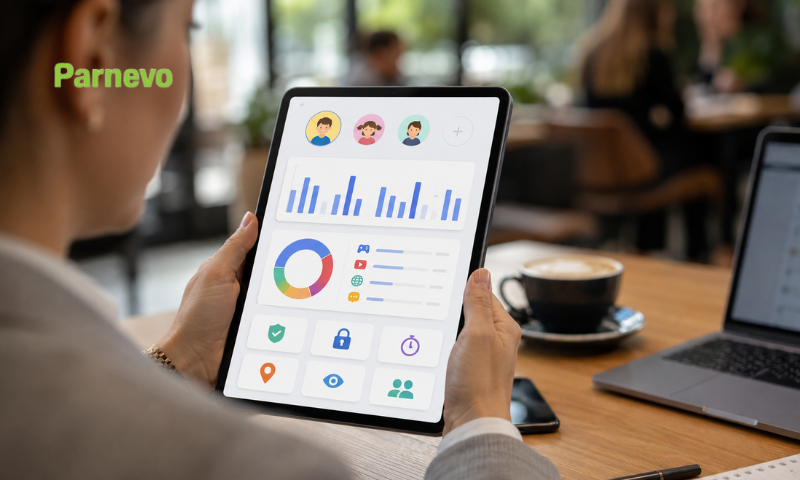
A parental control app helps keep rules consistent:
- Devices can pause during bedtime.
- Games can be limited during school days.
- Unsafe websites can stay blocked.
- Screen time can follow a fixed schedule.
- Parents can adjust rules when needed.
Consistent rules help children build healthier digital habits.
What Makes a Good Parental Control App for Working Parents?
A good parental control app should be simple, flexible, and easy to manage. Working parents do not need complicated tools. They need features that save time and protect children.
Screen Time Control That Fits Family Routines
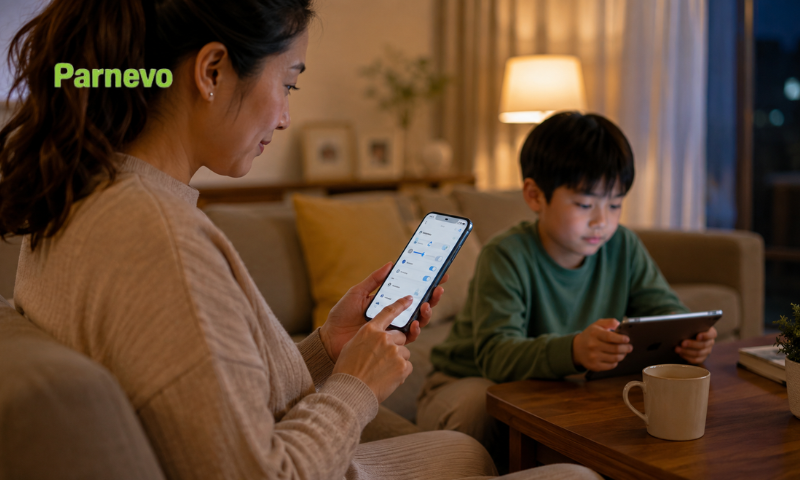
Screen time control is one of the most important features. Parents should be able to set limits based on school, homework, bedtime, and weekends.
Useful screen time controls include:
- Daily limits: Control how long children can use devices.
- Bedtime schedules: Reduce late-night phone use.
- Study-time limits: Block distractions during homework.
- Weekend settings: Allow more flexibility on free days.
This helps children enjoy technology without losing balance.
See more: Best Parental Control App for Android in 2026
App and Website Blocking for Safer Use
Children can download apps or visit websites quickly. Some are useful, but others may be distracting or unsafe.
A good parental control app should help parents:
- Block adult websites.
- Limit games during school time.
- Restrict risky apps.
- Reduce access to harmful content.
- Guide children toward safer online habits.
This is especially useful for younger children who are still learning how to use the internet responsibly.

GPS Location Tracking for Peace of Mind
Working parents also need to know where their children are during the day. GPS tracking helps parents stay informed without calling again and again.
This feature is helpful when children:
- Walk to school.
- Use public transport.
- Attend after-school classes.
- Visit friends.
- Return home alone.
Location tracking gives parents peace of mind while supporting daily safety.
Easy Activity Insights
Parents do not need too much data. They need simple reports that show what matters.
Activity insights can help parents see:
- Which apps children use most.
- How much screen time they have.
- Whether browsing habits are safe.
- When device use increases.
- What rules may need adjusting.
These insights help parents guide children instead of guessing.
How Parnevo Helps Working Parents Manage Digital Safety
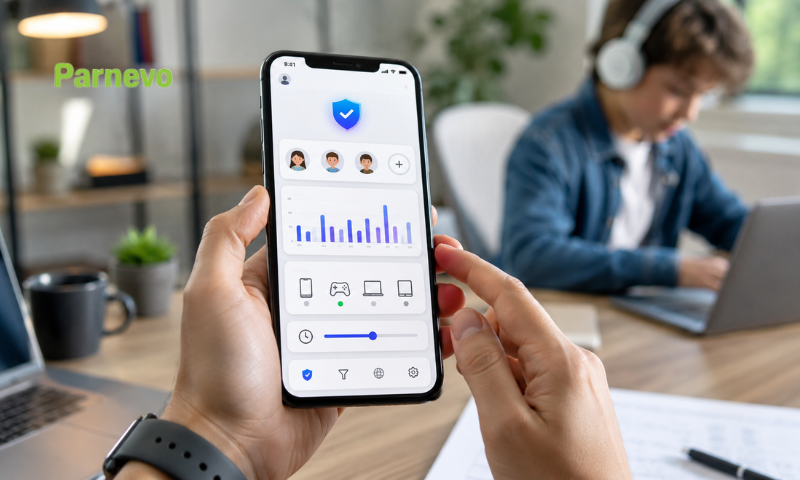
Parnevo is built to help families manage online safety, screen time, app access, location, and digital activity from one dashboard.
Manage Screen Time From One Dashboard
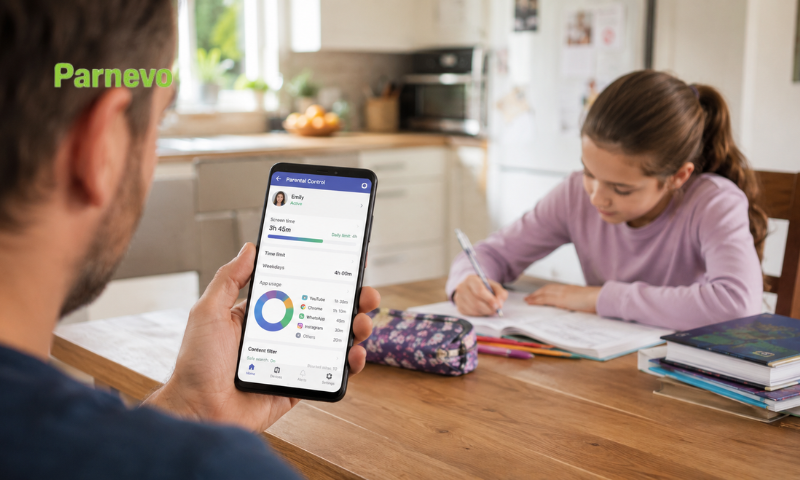
Parnevo helps parents set screen time rules without checking devices all day. Parents can create routines for school days, bedtime, homework, and family time.
With Parnevo, working parents can:
- Set daily screen time limits.
- Reduce late-night device use.
- Control entertainment apps.
- Keep children focused during homework.
- Adjust rules as family routines change.
This makes screen time easier to manage every day.
Block Risky Apps and Websites
Parnevo helps parents block apps and websites that may be unsafe, distracting, or unsuitable for children.
Parents can use this feature to:
- Block harmful websites.
- Limit gaming apps.
- Reduce social media distractions.
- Control app access during school hours.
- Create a safer browsing environment.
This helps children use devices with clearer boundaries.

See more: Best Parental Control App for iPhone in 2026
Track Location With Live GPS
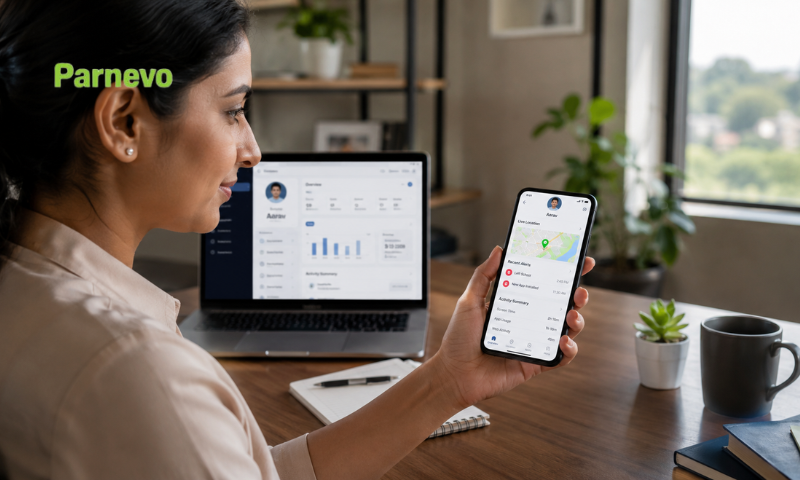
Parnevo includes live GPS location tracking, which helps parents stay connected during the day.
This feature is useful for:
- School travel.
- After-school activities.
- Pickup coordination.
- Daily movement checks.
- Unexpected schedule changes.
For working parents, this reduces worry and avoids repeated calls.
Understand Digital Habits Faster
Parnevo gives parents activity insights so they can understand how children use their devices.
Parents can review:
- App activity.
- Browsing activity.
- Screen time patterns.
- Calls history and analytics.
- SMS and communication insights.
These insights help parents notice risks early and talk with children more calmly.
Parnevo Features Working Parents May Find Useful
| Parnevo Feature | How It Helps Working Parents |
| Screen time control | Sets limits for school days, bedtime, and family routines. |
| App blocking | Reduces access to distracting or unsafe apps. |
| Website blocking | Helps protect children from harmful online content. |
| Live GPS tracking | Shows where children are during the day. |
| Activity tracking | Helps parents understand device habits. |
| Calls history and analytics | Gives more visibility into communication patterns. |
| SMS monitoring | Helps parents notice possible safety concerns. |
| One dashboard | Makes digital parenting easier to manage. |
How to Use Parnevo Without Damaging Trust
A parental control app works better when children understand why it is being used. Parents should explain that Parnevo is for safety, not punishment.
To build trust, parents should:
- Explain the purpose: Tell children the goal is protection and balance.
- Set simple rules: Start with screen time, bedtime, apps, and websites.
- Be honest: Avoid secret control when possible.
- Review activity calmly: Use reports for conversation, not blame.
- Adjust over time: Give more freedom when children show responsibility.
This helps children feel guided, not trapped.
Conclusion
A parental control app for working parents should make digital safety easier. It should help parents manage screen time, block unsafe content, track location, and understand device habits without constant checking.
Parnevo gives busy families a simple way to stay involved during full workdays. With screen time control, app and website blocking, GPS tracking, and activity insights, parents can protect children while building better digital habits.
Start using Parnevo today to set smarter screen time rules, guide safer online behavior, and protect your child even when your workday is full.