Parents today need more than GPS or screen time reports to understand whether their children are safe. Ambient Voice Recording is one feature that can provide extra context by capturing short audio from the surroundings of a child’s device.

However, because it uses microphone access, this feature must be handled carefully. It should support family safety, not secret spying. Parents should only use Ambient Voice Recording on devices they own or legally manage, with proper consent and clear privacy rules.

Quick Summary

TopicKey Point
FeatureRecords surrounding sounds near a device
Main useChild safety and emergency context
RiskSensitive microphone access
Safe useConsent, transparency, legal authority
AvoidSecret recording or adult surveillance

What Is Ambient Voice Recording?

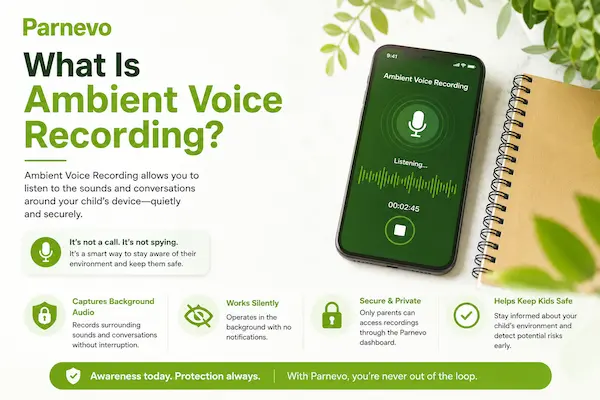
Ambient Voice Recording is a feature that records sounds around a phone or device. Unlike call recording, it does not record a phone conversation. It captures nearby background audio, such as voices, noise, movement, or signs of distress.

In parental control apps, Ambient Voice Recording can help parents understand what is happening when a child is unreachable or appears to be in an unsafe situation. It may provide context that GPS alone cannot show. Still, this is a sensitive feature. It should not be used for spying, recording adults without consent, or monitoring devices you do not own or manage. A responsible app should clearly explain microphone access, audio storage, data security, and deletion options.

What Is Ambient Voice Recording

How Does Ambient Voice Recording Work?

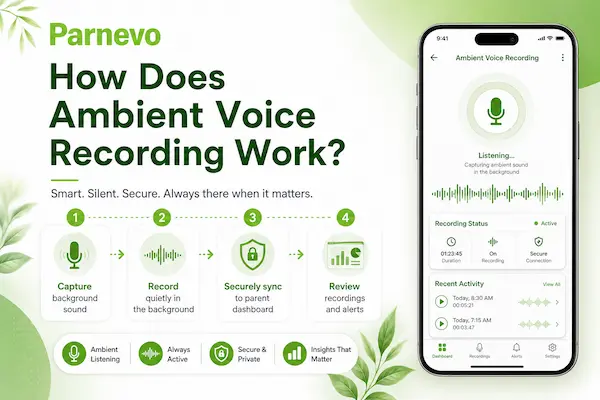
Ambient Voice Recording allows parents or authorized device managers to capture short audio from the surroundings of a managed Android device. With Parnevo, this feature is designed for safety-focused use, helping parents get extra context when a child is unreachable, in an unfamiliar location, or facing a possible risk.

Parnevo is built for Android devices you own or are legally authorized to manage, such as a child’s phone or a company-owned device. Before using Ambient Voice Recording, make sure your setup follows local laws, consent rules, and privacy expectations.

Step 0: Start with Legal Use and Consent

Before installing Parnevo, confirm that you own the device or have permission to manage it. For a child’s phone, parents should explain the safety purpose in a simple and age-appropriate way. For business devices, companies should document employee consent and internal monitoring policies.

This step helps ensure Ambient Voice Recording is used for protection, not secret surveillance.

Step 1: Create Your Account

Sign up with your email address and verify it through the activation link. A verified account helps protect your Parnevo dashboard before any device is connected.

Step 2: Download and Install Parnevo

Go to the Parnevo Download Center:

https://download.parnevo.com/

Download the Parnevo APK file on the target Android device. Open the APK file, tap Install, wait for the installation to finish, then tap Open.

Step 3: Sign In and Pair the Device

Sign in to your Parnevo dashboard:

https://dashboard.parnevo.com/sign-in/

Tap Pair New Device, then choose Let’s Get Started. Follow the on-screen setup steps. At the final step, enter the pairing code and tap Pair Now to complete the connection.

Step 4: Set Up Permissions

On the target device, open the Parnevo app and go to:

More → Permissions Setup → Check All Features

Ambient Voice Recording requires microphone access to capture surrounding sound. Parnevo may also need related permissions to keep monitoring features stable. Only enable the permissions required for your plan and confirm each permission before leaving the device.

Step 5: Start Ambient Voice Recording

Once the device is paired and permissions are ready, open the Parnevo Dashboard on mobile, tablet, or web. Go to the Ambient Voice Recording feature and start a short audio check when there is a real safety concern.

How Does Ambient Voice Recording Work

How Does Ambient Voice Recording Work

Is Ambient Voice Recording Legal?

The legal side of Ambient Voice Recording is not the same everywhere. In many places, the answer depends on consent, device ownership, the age of the child, and the reason for recording. That is why parents should treat this feature as a serious privacy tool, not just another app function.

1. Check Consent First

Before using Ambient Voice Recording, parents should think about who may be recorded. A short safety check on a child’s device is very different from secretly recording another adult. When in doubt, get clear permission or avoid using the feature.

2. Use It Only on Devices You Manage

This feature should only be used on a phone or tablet the parent owns, manages, or has legal authority to monitor. Using it on someone else’s device can quickly become a legal and trust problem.

3. Avoid Secret Monitoring

Ambient Voice Recording should not be used to spy on a partner, employee, roommate, friend, or any adult without permission. For families, the safest approach is simple: use it for protection, not control.

Safe Uses of Ambient Voice Recording

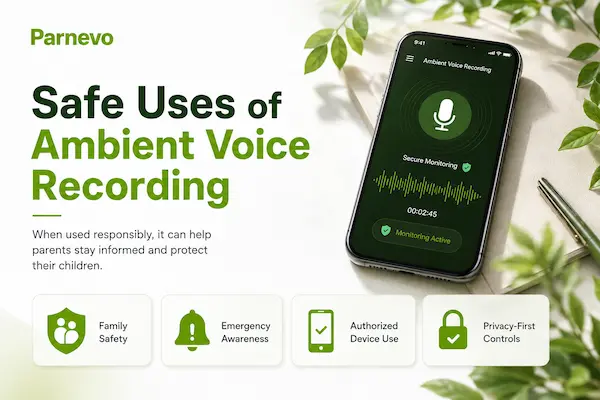
Ambient Voice Recording works best when it is used rarely and for a clear safety reason. It should help parents understand a situation faster, not replace trust, conversation, or normal parenting.

When a Child Is Unreachable

If a child does not answer calls or messages and their location looks unusual, a short ambient audio clip may give parents extra context. It may help them know whether the child is in a busy street, a quiet room, a vehicle, or another unfamiliar place.

During a Safety Concern

Parents may use Ambient Voice Recording when they are genuinely worried about danger, bullying, panic, or an unsafe environment. Even then, the recording should be limited and reviewed only for the safety issue.

Alongside Location Tracking

Audio alone does not tell the full story. It works better when combined with GPS location, screen time reports, app activity, and direct communication with the child.

With Clear Family Rules

For older children and teens, parents should explain why safety tools exist and when they may be used. Clear rules help reduce fear, build trust, and make Ambient Voice Recording part of a responsible digital safety plan.
Safe Uses of Ambient Voice Recording

Benefits of Ambient Voice Recording for Parents

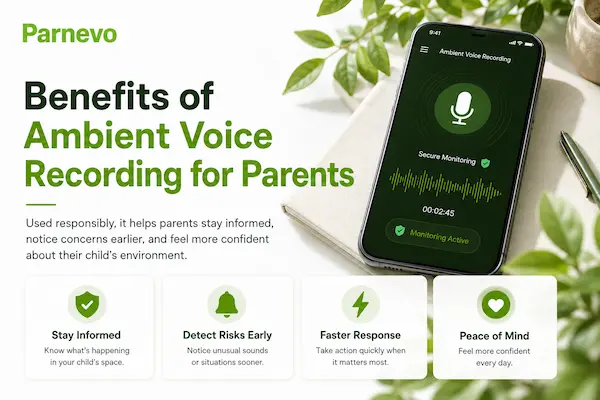
For parents, Ambient Voice Recording can add one more layer of context when something feels wrong. It is not meant to replace trust or conversation, but it may help in moments when quick information matters.

1. More Context During Safety Concerns

GPS can show where a child is, but it cannot show what is happening around them. A short audio clip may help parents hear signs of traffic, crowd noise, panic, silence, or an unfamiliar setting.

2. Faster Response in Urgent Situations

If a child is not replying, parents may need to decide whether to call again, message a trusted adult, go to the location, or contact emergency support. Ambient audio may help them make that decision faster.

3. Works Better With Other Safety Tools

Ambient Voice Recording is most useful when combined with location tracking, screen time monitoring, app activity, and open family communication. Together, these tools give parents a clearer picture without relying on one feature alone.
Benefits of Ambient Voice Recording for Parents

Benefits of Ambient Voice Recording for Parents

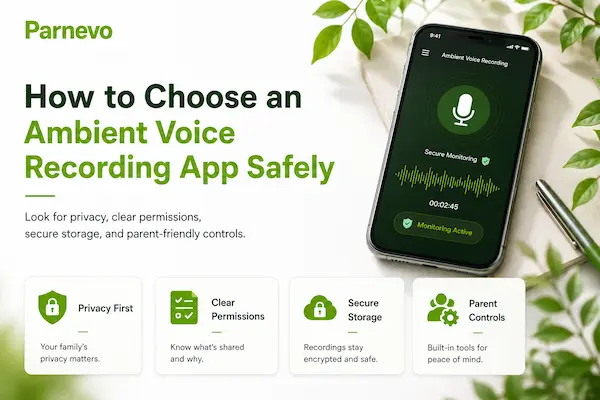
How to Choose an Ambient Voice Recording App Safely

Not every app that offers Ambient Voice Recording is built with safety in mind. Parents should look for tools that are transparent, privacy-focused, and designed for family protection rather than hidden surveillance.

1. Clear Privacy Policy

The app should clearly explain what audio may be collected, why it is collected, how long it is stored, and how users can delete it.

2. Transparent Permissions

Microphone access should be easy to understand. If an app hides its purpose or promotes itself as “undetectable,” parents should avoid it.

3. Strong Account Protection

Choose an app that protects the parent dashboard with secure login, limited access, and safe data handling.

4. Responsible Use Guidance

A good app should remind users to follow local laws, get proper consent, and use Ambient Voice Recording only for legitimate safety needs.
How to Choose an Ambient Voice Recording App Safely

How to Choose an Ambient Voice Recording App Safely

FAQs: Ambient Voice Recording

1. What is Ambient Voice Recording?

Ambient Voice Recording captures short audio from the surroundings of a device.

2. How does ambient voice recording work?

It uses the device microphone to record nearby sounds for a limited time.

3. Is Ambient Voice Recording legal?

It depends on local laws, device ownership, consent, and how the feature is used.

4. Can parents use Ambient Voice Recording?

Yes, parents may use it for child safety on devices they own or legally manage.

5. Is Ambient Voice Recording the same as call recording?

No. Ambient Voice Recording captures surrounding sounds, while call recording captures phone conversations.

6. Does Ambient Voice Recording need microphone permission?

Yes. The app needs microphone access to capture surrounding audio.

7. Is Ambient Voice Recording safe?

It can be safe when used legally, transparently, and with strong data protection.

8. When should parents use Ambient Voice Recording?

Only during real safety concerns, such as when a child is unreachable or in an unusual situation.

9. What should parents avoid?

Avoid secret recording, adult surveillance, constant monitoring, or using it on devices you do not manage.

10. How should parents choose an app?

Choose an app with clear privacy rules, secure storage, consent guidance, and easy data deletion.

Conclusion: Use Ambient Voice Recording Carefully

Ambient Voice Recording can help parents understand what is happening around a child’s device when there is a real safety concern. It adds context that GPS alone may not provide. But audio is sensitive. It can capture private voices, conversations, or people nearby. Parents should use this feature only on devices they own or manage, follow local laws, and delete recordings when they are no longer needed.

Quick Summary

PointReminder
Main useSafety context, not spying
Best timeWhen a child is unreachable or at risk
PrivacyRecord only when necessary
LegalFollow consent and local laws
TrustCombine tools with open family rules

Digital parenting in 2026 is about balance. Parents need tools that help them act faster, but children also need trust and privacy. Used responsibly, Ambient Voice Recording can support safer decisions without becoming constant surveillance.

Protect Your Child With Responsible Tools

Parnevo helps parents manage location, screen time, activity insights, and safety-focused monitoring in one place.

Start using Parnevo today and build a safer digital routine for your family.